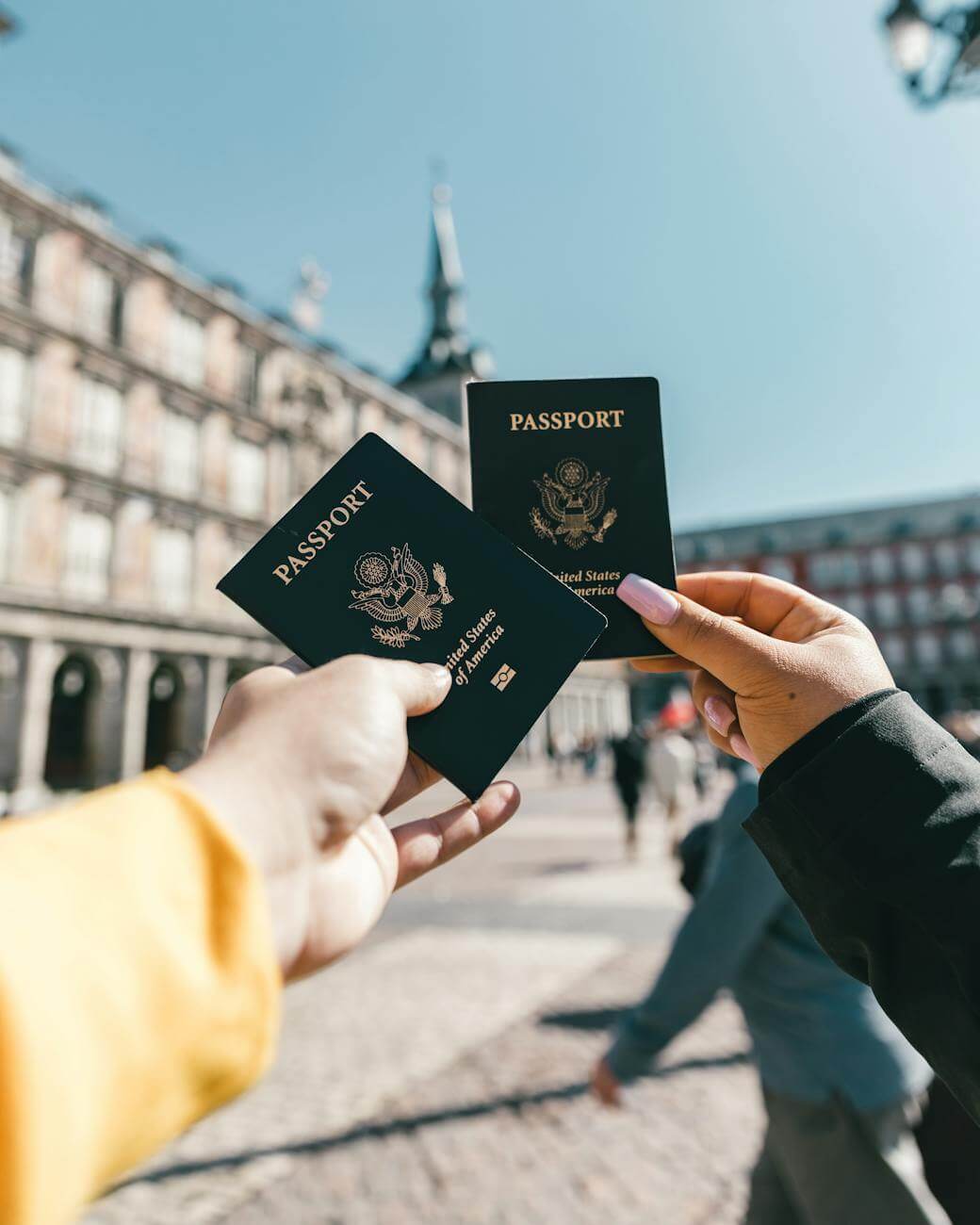
As digital onboarding becomes the norm across banking, fintech, travel, and government As digital onboarding becomes the norm across banking, fintech, travel, and government services, fraudsters are increasingly exploiting document-based identity verification. Fake passports, screen-replayed images, printed copies, and physically altered documents are now among the most common attack vectors in remote verification workflows.
To counter these threats, modern identity verification platforms are adopting document tampering checks, a critical capability embedded within advanced solutions like the Pixl Passport SDK. This technology ensures that a passport submitted during verification is genuine, unaltered, and trustworthy, rather than manipulated, reused, or forged.
Document tampering checks are no longer optional. They are becoming a foundational standard for secure, scalable, and compliant passport verification.
What Is Document Tampering Check in a Passport SDK?
Document tampering check is a verification process used to detect whether a passport has been physically or visually altered during capture. It determines whether the passport image shows signs of manipulation rather than representing an original, intact government-issued document.A document tampering check helps identify passports that have been altered using methods such as:
- Replaced or covered portrait photographs
- Modified text fields or data overlays
- Printed or photocopied passport reproductions
- Screen-based replays of passport images
Within the Pixl Passport SDK, document tampering checks run automatically during the capture and analysis stage, inspecting the passport image in real time to detect in-consistencies or manipulation indicators
Why Passport Fraud Is Difficult to Detect Without Tampering Checks?
Fraudsters rarely submit obviously fake documents. Instead, they rely on subtle presentation attacks, such as:
- Displaying high-resolution passport images on another device
- Printing scanned passport images and presenting them as originals
- Reusing previously captured passport images
- Physically covering or replacing the passport photo or data fields
These methods can often bypass basic OCR, MRZ extraction, or template validation. Document tampering checks are specifically designed to detect these manipulation techniques before the passport enters downstream verification stages.
Common Fake Passport Attacks Detected by Pixl Passport SDK
The Pixl Passport SDK’s document tampering engine identifies multiple fraud patterns, including:
1. Screen Replay Attacks
When a passport image is captured from a phone, tablet, or monitor, visual inconsistencies such as pixel repetition, moiré patterns, and unnatural light behavior appear. Tampering checks analyze these signals to flag non-original captures.
2. Printed Passport Copies
Printed reproductions lack the color range, depth, and fine security details of genuine passports. Consumer printers introduce detectable inconsistencies that AI-based tampering detection can identify.
3. Physically Tampered Passports
Fraudsters may attempt portrait substitution or data masking by physically modifying the document. These alterations create irregular edges, lighting mismatches, and structural inconsistencies that tampering checks are designed to detect.
How Document Tampering Check Works in Pixl Passport SDK
The Pixl Passport SDK integrates document tampering checks seamlessly into the passport verification workflow through a multi-stage process.
Step 1: Passport Capture
The user captures an image of the passport using a mobile device or webcam. The SDK provides real-time guidance to ensure correct framing, focus, and glare reduction.
The same image is used for:
- Document tampering analysis
- OCR data extraction
- Passport verification
No aditional action is required from the user.
Step 2: AI-Based Tampering Assessment
Pixl’s AI and machine learning models analyze the passport image across thousands of parameters, including:
- Lighting consistency
- Image depth and texture
- Pixel structure and noise
- Edge continuity
- Reflections and glare behavior
Multiple models operate simultaneously to detect whether the passport has been altered, returning a real-time tampering confidence score.
Step 3: Passport Data Extraction (OCR + MRZ)
Once the document passes the tampering check, the SDK extracts passport data using OCR and MRZ scanning, including:
- Full name
- Passport number
- Date of birth
- Nationality
- Expiry date
By validating that the document is unaltered before extraction, Pixl ensures higher data accuracy and reliability.
Step 4: Passport Verification and NFC (Where Supported)
The extracted data and passport image are verified against official passport templates, fonts, layouts, and security elements. For supported ePassports, NFC chip reading may be used to cross-check chip data with the visual document.
Together:
Document tampering checks confirm integrity
Document verification confirms authenticity
Key Benefits of Document Tampering Check in Pixl Passport SDK
Stops Fraud at the Earliest Stage
Fake passports are blocked before biometric checks, account creation, or approvals.
Reduces Manual Review Load
Early detection of spoofed documents significantly lowers escalation to human review teams.significantly
Improves User Experience
Tampering checks run passively in the background, with no added steps for legitimate users.
Strengthens KYC and AML Compliance
Ensures digital onboarding processes meet regulatory expectations for document integrity.
Increases Trust in Face Matching and Onboarding
When the passport is verified as genuine and present, face matching and identity decisions become far more reliable.
Use Cases for Passport Tampering Checks
Document tampering checks within the Pixl Passport SDK are essential for:
- Banking and Fintech – Digital KYC, account opening, lending
- Immigration and Travel – Remote passport verification
- Crypto Exchanges – High-risk customer onboarding
- Online Marketplaces – Seller and user verification
- Remote Hiring – Employment eligibility checks
- Education Platforms – Online exams and international admissions
- Government Services – Digital citizen identity verification
Limitations and How Pixl Mitigates Them
Document tampering checks alone cannot confirm that the person presenting the passport is its rightful owner. Pixl mitigates this by combining tampering checks with:
- Face liveness detection
- Biometric face matching
- NFC-based passport chip verification
Additionally, Pixl allows configurable thresholds to handle edge cases such as older passports or low-quality capture environments.
How to Implement Document Tampering Check with Pixl Passport SDK?
Pixl Passport SDK supports rapid integration through:
- Cloud-based APIs
- Mobile and web SDKs
- Enterprise-ready integration options
- 1.SDK or API integration
- 2.Risk threshold configuration
- 3.Testing with genuine and tampered passport samples
- 4.Go-live and ongoing optimization
- Multimodal analysis (document + biometrics + behavior)
- Enhanced NFC and chip-based verification
- Protection against synthetic and AI-generated documents
- Stronger industry-wide verification standards
Typical implementation steps include:
In most cases, implementation can be completed within days.
The Future of Passport Fraud Prevention
As document fraud techniques evolve, document tampering checks will continue advancing through:
Document tampering checks will remain a first line of defense in modern identity verification systems.Explore the Passport NFC Technology Future of Contactless Identity Verification
Conclusion
Fake and manipulated passports pose a serious risk to digital onboarding, regulatory compliance, and organizational trust. By embedding document tampering checks directly into the Pixl Passport SDK, organizations can proactively prevent fraud, improve verification accuracy, and deliver seamless user experiences without added friction.
If your business relies on remote passport verification, document tampering checks are no longer optional; they are essential.Explore How to choose Best Passport Scanner SDK