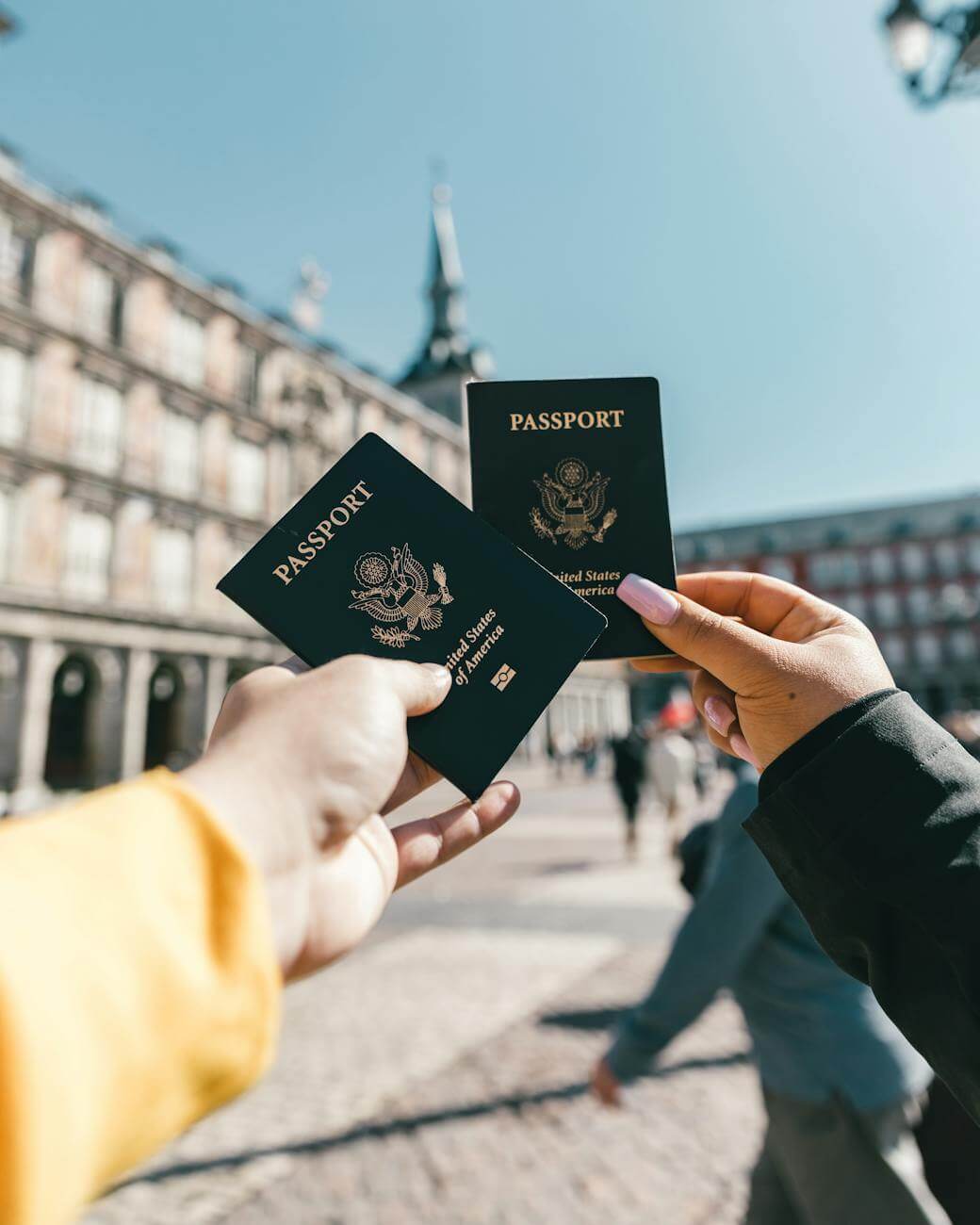
A passport can be completely genuine and still be used by the wrong person. Stolen, borrowed, and lost passports are a real problem for banks, fintech apps, travel platforms, and any business that onboards customers remotely. Reading the document tells you who the passport belongs to. It does not tell you whether that person is the one holding the phone.
That gap is what passport biometric verification closes. By comparing a live selfie with the photo on the passport, and confirming the selfie comes from a real person who is present, businesses can stop impersonation without slowing down honest users. This guide explains how face match, liveness detection, and selfie checks work, how they fit with passport OCR, and what to look for when you choose a provider.
What Is Passport Biometric Verification?
Passport biometric verification is the process of confirming that the person presenting a passport is its rightful holder, using their face. It answers a simple question: does the face in front of the camera belong to the face on the document?
A complete flow combines three checks:
- Selfie capture. The user takes a photo or short video of their face using a phone or webcam.
- Liveness detection. The system confirms the selfie comes from a real, live person, not a printed photo, a screen, a mask, or a deepfake.
- Face match. The system compares the selfie with the passport photo and returns a similarity score.
Each check on its own is easy to fool. Together, they make impersonation very hard.
Why Document Checks Alone Are Not Enough
Modern passport OCR technology is excellent at reading the data page. It extracts the name, nationality, date of birth, document number, and expiry date in seconds, and it validates the MRZ check digits to catch typing errors and some forgeries. NFC chip reading goes further and proves the data was issued by a real government.
But none of this proves who is holding the passport. A fraudster with a real, stolen passport will pass every document check. That is why leading teams are moving beyond OCR-only verification and adding a biometric layer that ties the document to a living person.
How Face Match Works
Face match, also called face comparison or 1:1 face verification, compares two images and decides whether they show the same person. It works in four steps:
- Face detection. The system finds the face in both the selfie and the passport photo.
- Alignment. Each face is rotated and scaled so the eyes, nose, and mouth line up in a standard position.
- Feature extraction. A neural network turns each face into a numeric "face template," a compact set of numbers that describes its unique structure.
- Comparison. The two templates are compared and the system returns a similarity score. If the score is above a set threshold, the faces match.
Where the passport photo comes from
The reference photo can come from two places, and the choice matters:
- The printed photo on the data page. Captured by the camera during the passport scan. It is always available, but it can suffer from glare, holograms, low resolution, or physical tampering such as a swapped photo.
- The photo stored in the NFC chip (DG2). A high quality image digitally signed by the issuing country. It cannot be changed without breaking the signature, which makes it the most trusted reference available. Learn more in our guide to how e-passport chips work.
Where the device and passport support it, matching the selfie against the chip photo gives the strongest result. The printed photo remains a reliable fallback for older passports and devices without NFC.
Setting the right threshold
Every face match system balances two types of error:
- False acceptance: two different people are wrongly matched. This lets fraud through.
- False rejection: the real holder is wrongly rejected. This frustrates genuine users and hurts conversion.
A strict threshold lowers fraud but rejects more real customers. A loose one does the opposite. Good providers let you tune the threshold by risk level, for example stricter for high value bank accounts and more relaxed for low risk sign ups.
How Liveness Detection Works
Face match alone has a weakness: a fraudster could simply hold up a photo of the passport holder. Liveness detection stops this by confirming the face belongs to a real person who is physically present at the time of capture. These fake attempts are called presentation attacks.
Common attacks liveness must catch
- Printed photos held up to the camera, sometimes with the eyes cut out.
- Screen replays of a photo or video shown on another phone or tablet.
- Masks, from simple paper cutouts to realistic silicone or 3D printed masks.
- Deepfakes and face swaps generated by AI to look and move like the real holder.
- Injection attacks, where a fake video feed is sent straight into the app, bypassing the real camera completely.
Active vs passive liveness
| Aspect | Active liveness | Passive liveness |
|---|---|---|
| How it works | Asks the user to blink, smile, turn their head, or follow a moving dot | Analyses a single selfie or short clip with no instructions |
| User experience | Slower, can confuse some users | Fast and almost invisible to the user |
| What it checks | Correct response to random prompts | Skin texture, depth, light reflection, screen edges, moire patterns |
| Drop off rate | Higher | Lower |
| Best for | High risk flows or as a step up check | Most consumer onboarding flows |
Many businesses now use passive liveness by default and add an active challenge only when the risk score is high. This keeps the flow smooth for most users while still adding friction for suspicious sessions.
Standards to look for
Presentation attack detection is measured against the ISO/IEC 30107-3 standard. Independent testing labs certify liveness systems at different levels based on how well they resist attacks. When comparing vendors, ask whether their liveness has been independently tested to this standard, and whether it also defends against injection and deepfake attacks, which are growing quickly.
Selfie Checks: Getting a Good Capture
Even the best face match and liveness models fail if the selfie is poor. Selfie checks are the quality controls that run during capture, before any comparison happens. They typically confirm that:
- Exactly one face is visible in the frame.
- The face is centred, large enough, and facing the camera.
- Lighting is even, with no strong shadows or backlight.
- The image is sharp, not blurry from movement.
- Eyes are open and the face is not covered by sunglasses, hats, or hands.
Real time guidance such as "move closer," "find better lighting," or "hold still" helps users get it right the first time. This reduces retries, lowers false rejections, and improves completion rates.
The Complete Flow: From Passport Scan to Verified Face
Here is how a typical end to end verification works when passport OCR reader software and biometrics work together:
- 1. Scan the passport. The camera captures the data page and OCR extracts the MRZ and visual fields.
- 2. Check the document. Check digits, expiry, and tampering signals are validated.
- 3. Read the chip (optional). NFC reading pulls the signed data and the chip photo.
- 4. Capture a selfie. Quality checks guide the user to a clear image.
- 5. Confirm liveness. The system verifies a real person is present.
- 6. Match the face. The selfie is compared with the passport or chip photo.
- 7. Decide. Results are combined into a pass, fail, or manual review decision.
With a well built Passport SDK, this whole journey can take well under a minute.
Where Passport Biometric Verification Is Used
- Banking and fintech: remote account opening and KYC that meets regulatory requirements.
- Crypto exchanges: stopping account takeover and money mule sign ups.
- Travel and airlines: faster check in and seamless boarding.
- Hotels and short stay rentals: confirming guests are who they say they are before check in.
- Telecom: SIM registration with real identity proof.
- Gig and sharing economy: verifying drivers, hosts, and couriers before they start work.
- Healthcare and insurance: preventing identity fraud in claims and patient registration.
Privacy and Compliance
Facial images are biometric data, which many privacy laws treat as sensitive. GDPR in Europe, India's DPDP Act, and state laws such as Illinois BIPA all set rules for how this data is collected, used, and stored. A responsible setup should include:
- Clear consent before capturing the selfie, with a plain explanation of why.
- Data minimisation, storing only what is needed and deleting images after verification where possible.
- Encryption of images and face templates in transit and at rest.
- On device processing options, so biometric data does not have to leave the user's phone.
- Bias testing, to make sure accuracy is consistent across age, gender, and skin tone.
How to Choose a Passport OCR and Biometrics Provider
When you compare any passport OCR software provider or passport OCR service API provider, look beyond document reading and ask these questions:
- Does it offer OCR, NFC chip reading, face match, and liveness in one SDK, or do you need several vendors?
- Can face match use the chip photo as well as the printed photo?
- Is liveness passive, active, or both, and is it tested to ISO/IEC 30107-3?
- Does it defend against deepfakes and camera injection attacks?
- Can you tune match thresholds by risk level?
- Are there on device and cloud deployment options for compliance?
- What are the false acceptance and false rejection rates on real world data?
- How quickly does the full flow complete on mid range phones?
Using one integrated provider for OCR and biometrics reduces integration work, keeps data in one place, and gives you a single, consistent decision for each user.
The Bottom Line
Passport OCR tells you what a document says. NFC tells you the document is genuine. Passport biometric verification tells you the right person is holding it. Face match links the selfie to the passport, liveness detection proves the selfie comes from a real person, and selfie checks make sure the capture is good enough to trust. Together, they turn a document check into true identity verification and close the door on impersonation, while keeping onboarding fast for genuine customers.
Ready to add face match and liveness to your passport checks?
Book a demo of Pixdynamics Passport SDK and see passport OCR, chip reading, and biometric verification working together in one flow.