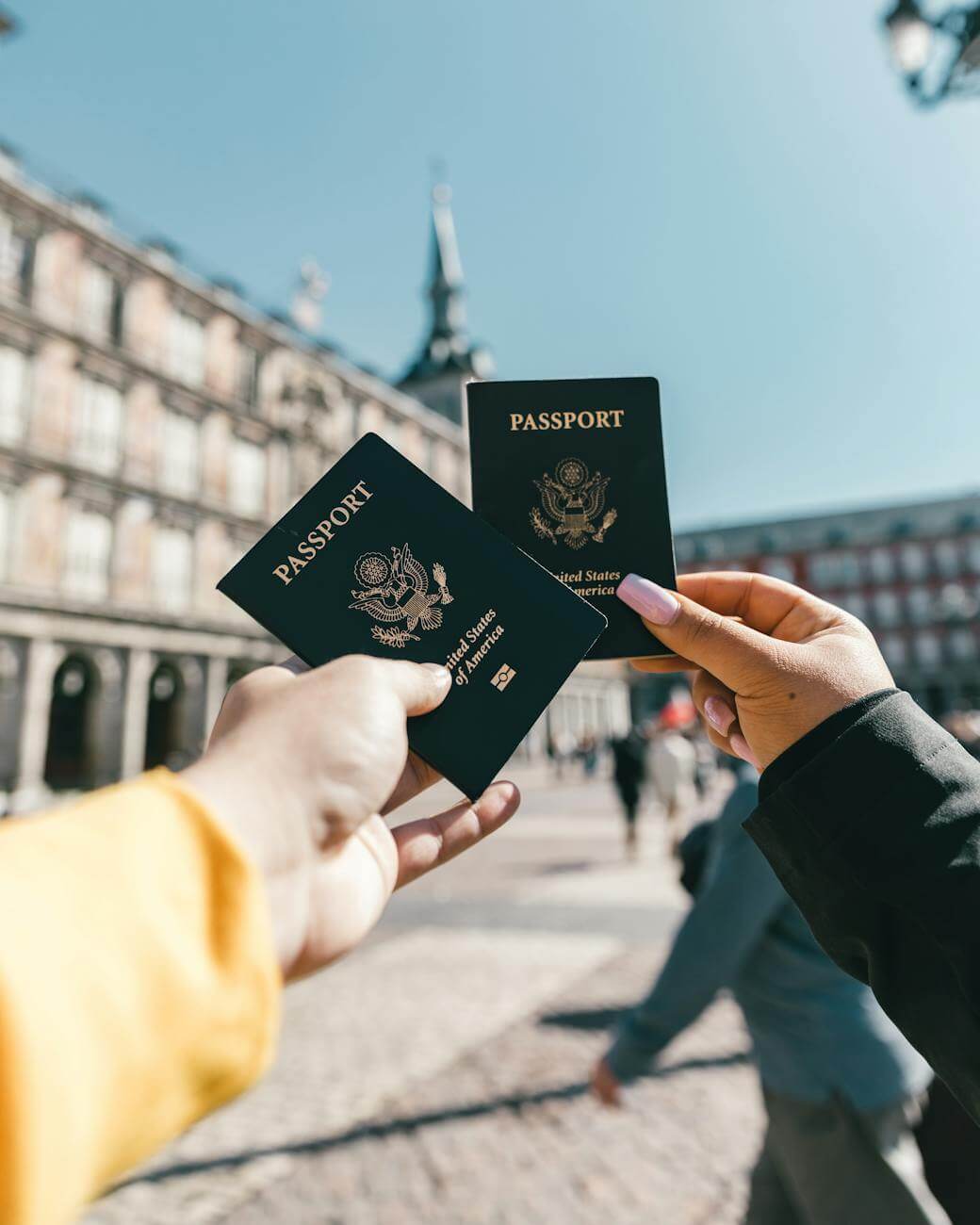
A few years ago, the biggest worry in remote onboarding was a printed photo held up to a webcam. Today, a fraudster can build a lifelike video of someone else in minutes. The rise of deepfake identity verification attacks means that seeing a face on screen is no longer proof that a real person is there. For any business that signs up customers by passport, from banks to travel and hospitality platforms, this is now a daily risk and not a rare edge case.
This guide explains what deepfakes and injection attacks are, how they break remote checks, and which layers of defense work best. It is written for product, risk and engineering teams who want to understand the threat before they choose tools. If you want the basics first, our guide to passport biometric verification explains how face match and liveness fit together.
Why Remote Identity Verification Is Under Pressure
Identity verification used to depend on a person standing in front of a clerk. Remote flows replaced the clerk with a phone camera and software. That change made onboarding fast and cheap, but it also moved the point of trust from a room you control to a device you do not control.
Three things have made the problem worse:
- Cheap AI tools. Face swap and voice cloning apps are free or low cost, and need no technical skill.
- Public source material. Photos and short videos of almost anyone can be found on social media.
- Scale. Fraud groups can run thousands of attempts with scripts, testing which services are easiest to fool.
The result is that identity verification and deepfakes are now linked in every risk discussion. A passport check that only compares a selfie with the photo page can be beaten by a fake that looks right.
What Are Deepfakes in Identity Verification?
Deepfakes are images, video or audio created or altered by AI so that they appear to show a real person. In onboarding, they usually appear in one of three forms:
- Face swap: the attacker’s live face is replaced in real time by the face of a victim, so the video moves and blinks naturally.
- Synthetic faces: a fully invented person who does not exist, often paired with a forged or stolen document.
- Animated photos: a single still image of the victim is turned into a talking, head-turning video.
A good deepfake can follow instructions such as “turn your head” or “blink twice”. That is why simple prompt-based checks no longer settle the question on their own.
What Is an Injection Attack?
A presentation attack is something shown to the camera, such as a photo, a screen or a mask. An injection attack is different. The attacker skips the camera completely and feeds fake data straight into the app or the data stream behind it.
Common ways this happens include:
- Virtual cameras: software that pretends to be a webcam and plays any video file or live deepfake as if it came from real hardware.
- Emulators: a phone running as software on a computer, where the “camera” is a file chosen by the attacker.
- Rooted or hooked devices: tools that intercept the camera feed inside the app and swap it for fake frames.
- API tampering: sending a prepared image directly to the verification service, without using the app at all.
Injection attacks are dangerous because the system never sees a flaw. The fake video has no screen glare, no paper edge and no mask rim, since it never passed through a lens. It can be sharp, well lit and perfectly framed.
Deepfakes vs Injection Attacks: How They Work Together
These two terms are often mixed up, but they describe different parts of one attack. The deepfake is the content, the fake face. The injection is the delivery, the way that content reaches the system.
A typical attack looks like this: the fraudster takes a victim’s stolen passport data, creates a deepfake from the victim’s social media photos, installs a virtual camera, and plays the deepfake into the selfie step. The face matches the passport photo, the movements look natural and the session appears normal.
This pairing is why defenders cannot rely on only one control. Better deepfake detection raises the cost of the content, while injection defenses close off the delivery route. You need both.
Why Traditional Checks Are Not Enough
Many first-generation onboarding flows were built for older threats. Here is where they fall short:
- Face match alone only says two faces look alike. A deepfake is designed to look like the passport photo.
- Basic liveness built to stop printed photos and screen replays may not notice a synthetic face that moves on cue.
- Active prompts can be followed by a face swap tool in real time.
- Image quality checks may even favor attacks, because injected video is often cleaner than a real phone selfie.
- OCR alone reads the text on the passport but says nothing about whether the person holding it is real.
None of these controls is useless. They simply need to be one layer in a larger design, instead of the whole defense.
Signals That Help Detect Deepfakes
Deepfake detection looks for signs that an image or video was generated or altered by a model instead of captured from a real face. Useful signals include:
- Texture and skin detail: synthetic skin can look too smooth or show odd patterns near edges.
- Blending artifacts: a face swap can leave faint seams around the jaw, hairline or ears.
- Lighting inconsistency: shadows on the face may not match the room behind it.
- Unnatural motion: blinking, lip movement and head turns can look slightly off over several frames.
- Frequency and compression traces: generated images often leave patterns that real camera sensors do not.
Detection models need regular updates, because generation tools improve quickly. A model that was strong last year may miss new methods, so ask any provider how often theirs is retrained and tested.
Defending Against Injection Attacks
Since an injection attack avoids the lens, the best defense is to check the path the video took. Practical controls include:
- Virtual camera detection: look for known virtual camera drivers and software names, and for cameras that report unusual properties.
- Emulator and root checks: flag sessions from emulated, rooted or jailbroken devices, or devices with hooking tools installed.
- App integrity checks: confirm that the mobile app is the genuine, unmodified build before accepting its data.
- Secure capture: capture and sign the image inside the SDK, so the server can tell that it came from a trusted capture step.
- Metadata and timing analysis: compare frame rate, resolution, sensor data and timing with what the device model should produce.
- Rate limits and device reputation: block the same device or network trying many identities in a short time.
Where possible, run these checks on the device and again on the server. A check that runs only in the app can be bypassed by someone who controls the device, while a server check only sees what the app chooses to send.
The Passport Chip as a Strong Anchor
One advantage of passport verification over many other documents is the chip inside modern e-passports. The chip holds a digitally signed copy of the holder’s photo and data. When you read and validate it, you know the photo was issued by the passport authority and has not been edited.
This matters for deepfakes because it fixes one side of the comparison. An attacker may fake the live selfie, but cannot easily change the signed photo in the chip. Comparing the live face with the chip photo, instead of only the printed photo, closes the gap that forged documents and synthetic identities exploit.
Building a Layered Defense
No single control stops every attack, so strong systems stack independent checks. Each layer answers a different question:
- Is the document real? Verify security features, check for tampering and validate the chip signature.
- Is the capture path trusted? Detect virtual cameras, emulators and modified apps.
- Is the face real? Run liveness and deepfake detection on the captured frames.
- Is it the right person? Match the live face against the passport photo or chip image.
- Is the behavior normal? Look at device, location, network and velocity signals.
The same thinking applies to documents. Our post on passport fraud detection covers what your SDK should catch beyond simple text reading, and it pairs well with the biometric and device checks described here.
Balancing Security and User Experience
Every extra check risks losing honest users, so the goal is smart friction. A risk-based approach works well:
- Run passive checks and device integrity checks on every session, since users do not notice them.
- Let clean, low-risk sessions pass straight through.
- Add an active challenge or a second capture only when signals look suspicious.
- Send unclear cases to manual review, and decline clear attacks without telling the attacker why.
Avoid giving detailed failure messages. Telling a user “virtual camera detected” teaches an attacker exactly what to fix on the next attempt.
Questions to Ask Before Choosing a Solution
- Does it detect injection attacks, or only presentation attacks like photos and masks?
- Has it been tested by an independent lab against deepfake and injection scenarios?
- How often are its deepfake detection models updated?
- Can it read and validate the passport chip, and compare the live face to the chip photo?
- Does it work across low-end phones, different skin tones and poor lighting without unfair failure rates?
- Can you tune thresholds and set up manual review for borderline cases?
- How are images stored, for how long and in which region?
Practical Steps You Can Take Now
- Map your flow. Find every point where an image or video enters your system, and ask whether it could be faked.
- Check the basics. Confirm you block emulators, rooted devices and known virtual cameras.
- Test your own defenses. Run red-team tests with current face swap tools and see what passes.
- Measure results. Track pass, retry and fraud rates by device, region and channel.
- Plan for change. Choose tools that update often, because attack methods will keep changing.
Conclusion
Deepfakes changed the meaning of a face on screen, and injection attacks changed the meaning of a camera. Remote passport verification can still be safe, but only when it treats the selfie as evidence that must be tested, not as proof. That means checking the document, the chip, the capture path, the face and the behavior around the session, all together.
The teams that stay ahead are those that layer their defenses, keep detection models current and balance protection with a smooth user journey. To go deeper on how the building blocks connect, read our complete guide to passport biometric verification, and explore how the Passport SDK brings document, chip and face checks into one flow.