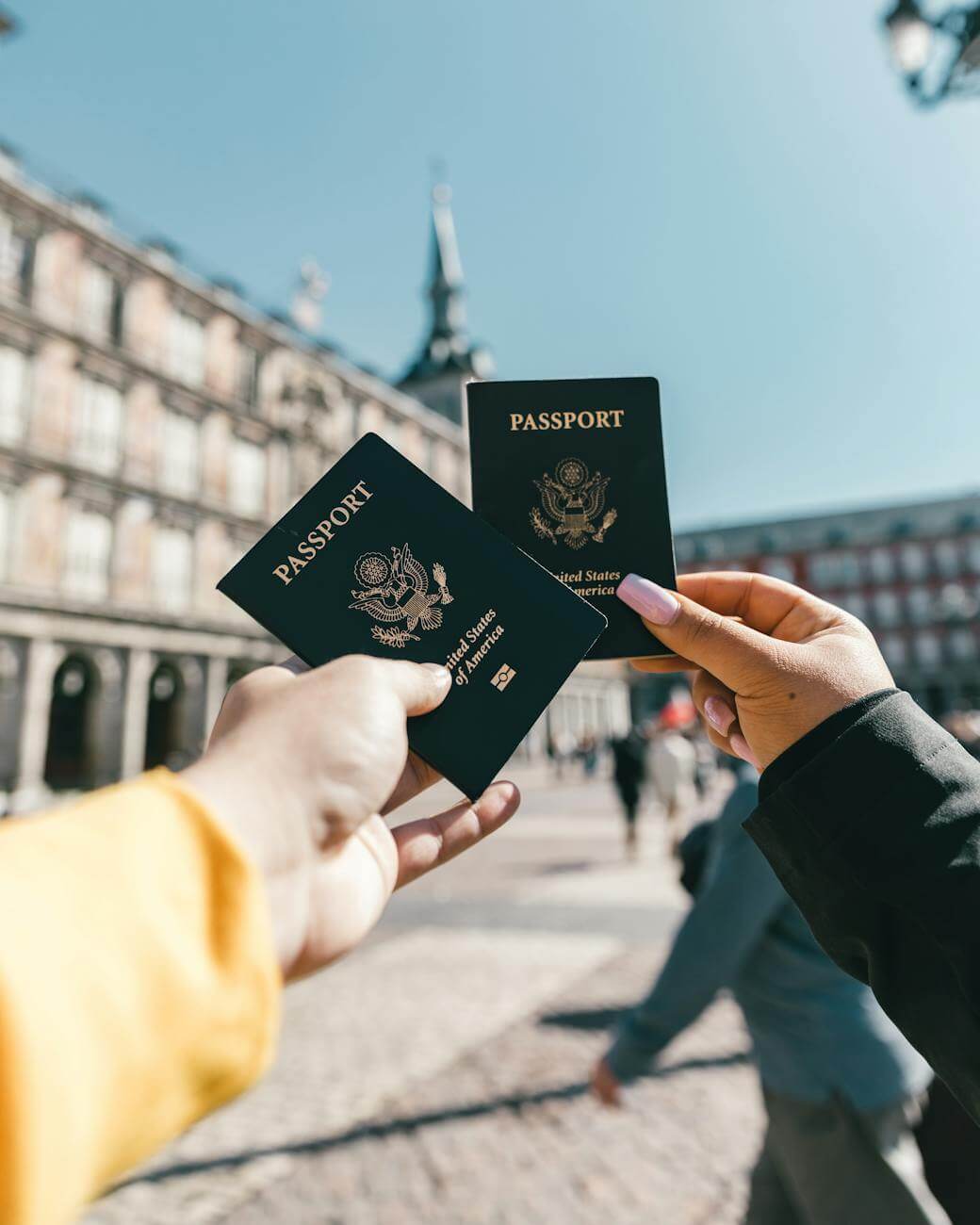
Look closely at the cover of most modern passports and you will see a small gold symbol that looks like a camera. It means the passport contains a contactless chip. That chip holds the same details printed on the data page, plus a digital copy of the holder's photo, all protected by cryptography.
But a chip is only useful if you can trust it. How do you know the data has not been edited? How do you know the chip itself is the real one issued by a government, and not a copy? This is where e-passport authentication comes in. Three checks do most of the work: Passive Authentication, Active Authentication, and Chip Authentication. This guide explains each one in plain language, what it proves, and what it cannot prove on its own.
A Quick Look Inside an e-Passport Chip
An e-passport, also called an electronic Machine Readable Travel Document (eMRTD), follows a global standard set by the International Civil Aviation Organization in ICAO Doc 9303. The chip stores information in separate files called data groups:
- DG1 holds the same details found in the machine readable zone (MRZ), such as name, nationality, date of birth, and document number.
- DG2 holds the holder's facial image.
- DG14 and DG15 hold public keys used by Chip Authentication and Active Authentication.
- The Document Security Object (SOD) holds a digital signature from the issuing country that covers all the other data groups.
Before any of this can be read, the reader must unlock the chip using Basic Access Control (BAC) or the newer PACE protocol. Both use details from the MRZ, which is why passport OCR technology is usually the first step: the camera reads the MRZ, and those characters become the key that opens the chip. For a full walkthrough of this flow, see our complete guide to e-passport verification.
Once the chip is open, the three authentication checks answer three different questions.
Passive Authentication: Is the Data Genuine?
Passive Authentication confirms that the data on the chip was written by the issuing country and has not been changed since. It is called passive because the chip does not have to do any work. The reader simply reads the data and checks the signature.
How it works
- When a passport is issued, the country calculates a unique fingerprint (a hash) of every data group and stores those fingerprints in the SOD.
- The country then signs the SOD with a Document Signer certificate, which is itself signed by the country's root certificate, the Country Signing Certificate Authority (CSCA).
- During verification, the reader recalculates the fingerprint of each data group and compares it with the value in the SOD.
- The reader then checks the signature chain from the Document Signer certificate back to a trusted CSCA certificate, often obtained through the ICAO Public Key Directory or national master lists.
What it proves and what it does not
If Passive Authentication passes, you know the name, date of birth, photo, and other data are exactly what the government wrote. Even a single changed character would break the fingerprint match.
What it cannot prove is that the chip itself is original. Because the signed data is readable, a fraudster could copy every file, including the valid signature, onto a blank chip. Passive Authentication would still pass on that clone. That gap is what the next two checks are designed to close.
Active Authentication: Is the Chip Original?
Active Authentication proves the chip is the genuine one issued with the passport, not a copy. It is called active because the chip has to take part in the check.
How it works
- At issuance, the chip is given a private key that is stored in protected memory and can never be read out.
- The matching public key is stored in DG15, which is covered by the country's signature through Passive Authentication.
- During verification, the reader sends the chip a random challenge.
- The chip signs the challenge with its private key and sends back the result.
- The reader checks that response using the public key in DG15.
Why this stops cloning
A cloned chip can copy DG15, but it cannot copy the private key, because that key never leaves the original chip. Without it, the clone cannot sign a fresh random challenge, and the check fails.
Active Authentication is optional in the ICAO standard, so not every country supports it. Its main limitation is that it only answers one question, whether the chip is real, and does not help protect the rest of the session.
Chip Authentication: Is the Chip Original and the Session Secure?
Chip Authentication, part of the Extended Access Control (EAC) framework introduced in European passports, also proves the chip is genuine. It does so in a way that additionally creates strong, fresh encryption for the rest of the conversation between the chip and the reader.
How it works
- The chip holds a static key pair. The public key is stored in DG14 and signed by the issuing country, and the private key stays locked inside the chip.
- The reader generates a temporary key pair just for this session.
- The chip and the reader use a key agreement method, such as Diffie Hellman, to combine their keys into a shared secret.
- That shared secret becomes new session keys, and all further communication is encrypted with them.
Why it is stronger
Only a chip that holds the real private key can produce the correct shared secret. A clone cannot continue the session, so cloning is detected. At the same time, the session is upgraded from keys derived from printed MRZ data to keys that cannot be guessed from anything on the page. This protects against eavesdropping and replay attacks.
Chip Authentication also avoids a privacy concern linked to Active Authentication. Because Active Authentication produces a signature, a third party could in theory use it as proof that a particular passport was present at a particular moment. Chip Authentication does not leave that kind of transferable evidence.
In newer passports that use PACE, a combined variant called PACE with Chip Authentication Mapping (PACE CAM) can confirm the chip is genuine during the access step itself, which saves time at the reader.
Passive vs Active vs Chip Authentication at a Glance
| Feature | Passive Authentication | Active Authentication | Chip Authentication |
|---|---|---|---|
| Main question answered | Is the data genuine and unaltered? | Is the chip original? | Is the chip original, and is the session secure? |
| Chip involvement | None, reader only checks signatures | Chip signs a random challenge | Chip performs a key agreement |
| Key location | SOD and country certificates | Public key in DG15 | Public key in DG14 |
| Detects altered data | Yes | No, relies on Passive Authentication | No, relies on Passive Authentication |
| Detects cloned chips | No | Yes | Yes |
| Strengthens session encryption | No | No | Yes |
| Availability | Mandatory on all e-passports | Optional, depends on issuing country | Optional, common in EU and newer passports |
Why You Need Them Together
None of these checks is complete on its own. They are designed to work as layers:
- Passive Authentication proves the data is real and unchanged. It also protects the public keys in DG14 and DG15, which the other two checks depend on.
- Active or Chip Authentication proves the chip holding that data is the original and not a copy.
A passport that passes Passive Authentication but fails, or skips, the clone check could still be a copied chip in a fake booklet. A passport that passes a clone check without Passive Authentication gives you no assurance that its keys or data came from a real government. The strongest result comes from running Passive Authentication plus whichever clone check the passport supports, preferring Chip Authentication when it is available.
This layered design is a big part of the NFC role in tamper-proof verification, because it moves trust from what a document looks like to what it can prove cryptographically.
Where OCR Fits Into Chip Authentication
It is easy to think of chip reading and OCR as separate tools, but in practice they work together:
- Unlocking the chip. Passport OCR reader software captures the MRZ, and those characters generate the BAC or PACE access keys. A misread digit means the chip will not open.
- Cross checking data. The data read from the chip in DG1 should match what OCR reads from the printed page. A mismatch is a strong sign of a tampered data page.
- Fallback for older documents. Some passports have no chip or a damaged one. In these cases, OCR with visual security checks becomes the main line of defence.
- Face matching. The verified photo from DG2 gives a trusted reference image for comparing against a live selfie.
This is why a good passport OCR software provider will offer MRZ capture, NFC chip reading, and all three authentication checks in a single flow, rather than leaving teams to stitch them together. To learn how the chip itself is built, read What Is an eMRTD Chip and How NFC Passport Chips Work.
Common Myths About e-Passport Authentication
- "If the chip reads, the passport is real." Reading a chip only shows that it responded. Without Passive Authentication and a clone check, it proves very little.
- "Passive Authentication stops cloning." It does not. It proves the data is genuine, but a perfect copy of genuine data still passes.
- "Every passport supports every check." Support varies by country and by year of issue. A verification flow should detect what each passport supports and run the strongest checks available.
- "Chip checks replace OCR." They do not. OCR is still needed to unlock the chip, to cross check printed data, and to handle passports without working chips.
The Bottom Line
Passive, Active, and Chip Authentication each answer a different part of the same question: can this passport be trusted? Passive Authentication proves the data was issued by a government and has not been edited. Active Authentication and Chip Authentication prove the chip is the original and not a clone, with Chip Authentication also securing the rest of the session. Used together, and combined with accurate MRZ capture, they give one of the strongest forms of identity document verification available today.
Want to see e-passport authentication working end to end?
Book a demo of Pixdynamics Passport SDK and test MRZ capture, NFC chip reading, and all three authentication checks with your own passports.