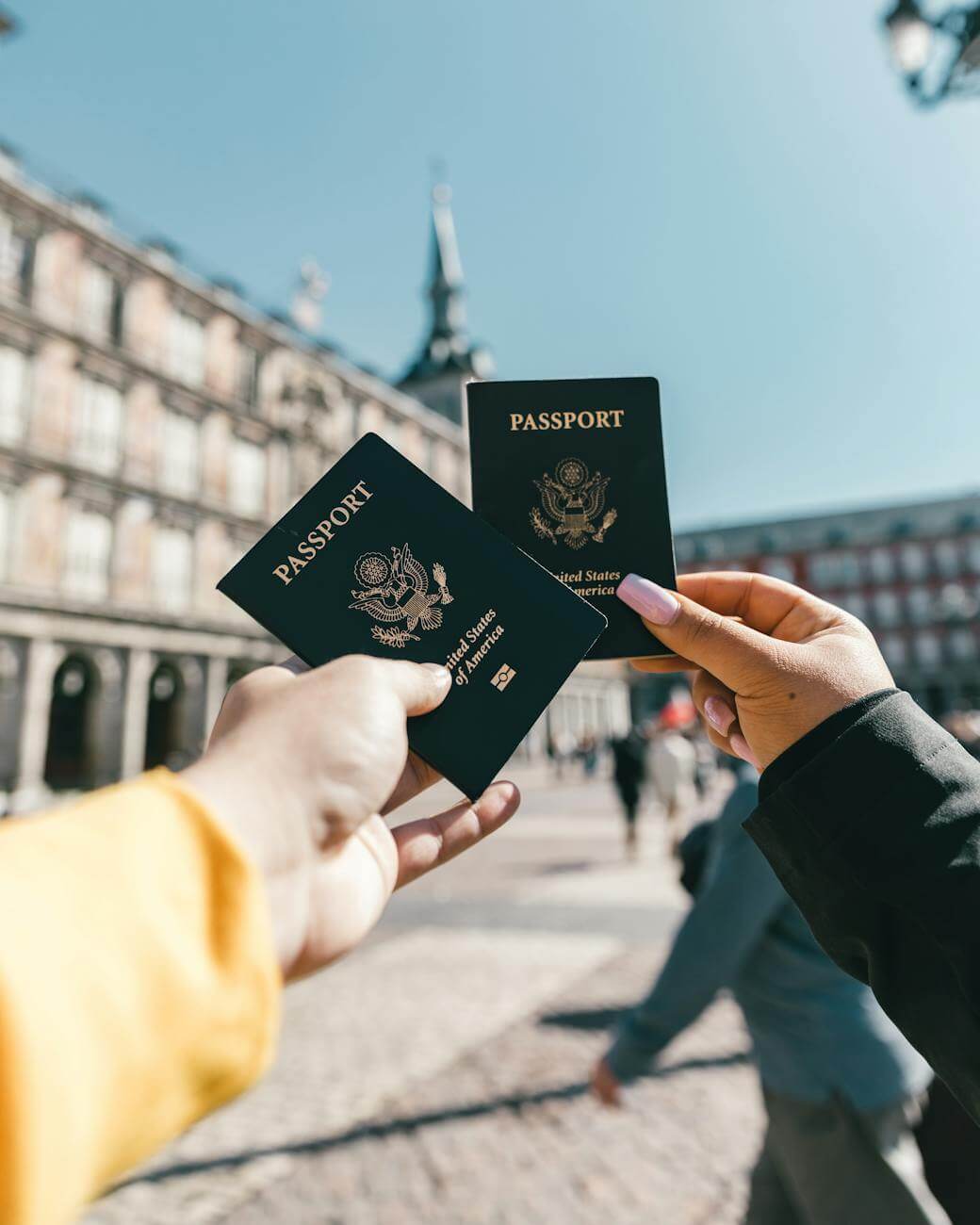
You open a banking app, scan your passport, and take a quick selfie. A few seconds later you are approved. Behind that short moment, a system has just decided whether the person holding the phone is the person in the passport. That decision is called passport face match.
This guide explains how passport face match works in plain language, how it differs from a simple selfie check, and what affects its accuracy in real sign-up conditions. It is part of the wider topic of passport biometric verification, which also covers liveness and fraud checks.
What Is Passport Face Match?
Passport face match is the process of comparing a live selfie with the photo in a passport and deciding whether both show the same person. The result is usually a similarity score, and your business rules decide what score counts as a pass.
Face matching on its own does not prove that the passport is real, and it does not prove that a live person is in front of the camera. It only answers one narrow question: do these two faces look like the same person? The other questions are handled by other checks, which we cover below.
Which Photo Does the Selfie Get Compared To?
A passport can offer two different photos, and the choice matters.
- The printed photo: the picture on the photo page. To use it, the app has to take a clear image of the page and cut the face out. Glare, folds, security patterns and printing quality all affect how clean that face is.
- The chip photo: most modern passports carry a small chip that stores a digital copy of the holder photo. Because it is read straight from the chip, it is sharp and free from glare or camera angle. This is the idea behind NFC chip photo verification, and it usually gives a much better comparison image. Our e-passport verification guide explains how the chip is read.
Where the chip is available, many teams compare the selfie to the chip photo and use the printed photo as a backup. Where it is not, the printed photo still works, but you should expect slightly more variation in results.
How the Comparison Works, Step by Step
Under the hood the process follows the same simple path every time:
- Capture: the app takes the selfie and gets the passport photo, either from the printed page or from the chip.
- Find the face: the software locates the face in each image and checks that there is exactly one, that it is big enough and that it is not cut off.
- Straighten and clean: the face is lined up, cropped and adjusted for size so both images can be compared fairly.
- Turn the face into numbers: a trained model reads the face and converts it into a long list of numbers, often called a face template. This list captures the features that make a face distinct, such as the spacing and shape of the eyes, nose and jaw.
- Measure the distance: the two lists are compared. Faces of the same person end up close together, and faces of different people end up far apart.
- Apply a threshold: the closeness becomes a score, and a cut-off decides match, no match or send for manual review.
The software does not compare pixels one by one. That is why a match can still work when the lighting, hairstyle or expression is different. It compares what makes the face distinctive rather than how the photo looks.
Face Matching vs Selfie Verification
People often use these two terms as if they meant the same thing, but they are different jobs. Understanding face matching vs selfie verification helps you avoid gaps in your sign-up flow.
- Face matching compares two images and asks whether they belong to the same person. It needs a reference photo, such as the one in the passport.
- Selfie verification is the full experience of capturing a selfie and deciding whether it can be trusted. It usually includes face matching, but also checks that the selfie is of good quality, that the person is live and that the image is not a photo of a photo.
Put simply, face matching is one step inside selfie verification. A flow that only matches faces can still be fooled by someone holding up a printed picture of the right person. A flow that only checks the selfie can confirm a real person is there, but not whether it is the right person.
Where Liveness Detection Fits In
This is the missing piece. Liveness detection, also called a liveness check, confirms that the selfie comes from a real person present at that moment. It is what stops a printed photo, a video on another screen or a mask from passing as the genuine holder.
There are two common styles:
- Active liveness: the user is asked to do something, such as turn their head or blink.
- Passive liveness: the system studies a single selfie or short video for signs of a real face, such as depth, skin texture and natural light, without asking the user to do anything extra.
The best order is liveness first, then face match. There is little point in comparing a face you cannot trust. Together, the two steps answer both questions at once: is this a real person, and is it the person in the passport?
What Affects Accuracy in Real Conditions
In a lab, face match looks almost perfect. In the real world, a few everyday factors make the difference between a smooth sign-up and a frustrated user.
- Photo age: passports last up to ten years. People change their hair, weight and glasses, and age naturally. A large gap between the passport photo and today makes matching harder.
- Lighting: a dim room, a bright window behind the user or harsh shadows reduce the detail the software can see.
- Glare and wear on the printed page: shiny laminate, creases and security patterns across the face can distort the printed photo. Chip photos avoid most of this.
- Camera quality and angle: a low-end front camera, a blurry shot or a face tilted away from the lens all lower the quality of the template.
- Accessories and expressions: hats, masks, heavy glasses or a wide smile can change how the face looks to the model.
- Image compression: if the app squeezes the photo too hard before sending it, fine details are lost.
- Different groups of people: models trained on narrow data can perform unevenly across skin tones, ages and genders. Ask any provider how they test for this.
Most of these problems can be reduced before the comparison even starts. A clear on-screen guide, a quality check on the selfie and a prompt to retry with better light will improve results more than any change to the matching model itself.
Understanding Match Scores and Thresholds
A match score is not a yes or no. It is a measure of how similar two faces are. You choose the cut-off, and every choice is a trade-off between two kinds of error:
- False accept: a different person is wrongly approved. A strict threshold lowers this risk.
- False reject: the right person is wrongly turned away. A relaxed threshold lowers this risk.
A bank opening an account will usually lean strict, because a false accept is costly. A hotel check-in may lean relaxed, because turning away a real guest is the bigger problem. Many teams add a middle band, where borderline scores go to a person for a quick review instead of an instant decline.
Privacy and Fairness Basics
Faces and passports are sensitive personal data. A few simple habits keep you on the right side of both users and regulators:
- Tell users clearly why you are taking a selfie and get their consent.
- Keep only what you need, and delete selfies and templates once the check is done unless the law requires you to keep them.
- Protect images in transit and at rest.
- Offer a fallback, such as manual review, for people the system cannot match.
A Simple Checklist for Your Flow
- Use the chip photo when the passport and phone support it, and the printed photo as a fallback.
- Run a liveness check before the face match.
- Check selfie quality and let users retry with clear guidance.
- Set thresholds based on your risk, and add a manual review band.
- Test with real users, older passport photos and poor lighting, not just clean samples.
- Handle images and templates with care and delete them when you can.
Conclusion
Passport face match turns a quick selfie into a trustworthy yes or no by comparing it with the photo in the passport. It works best when it uses the sharpest photo available, runs after a liveness check and is tuned to your own level of risk. Remember that face matching is only one part of selfie verification, and that real-world accuracy depends as much on lighting, photo age and capture guidance as on the model itself.
To see how face match, liveness and passport checks work together in a complete flow, read our full guide to passport biometric verification.